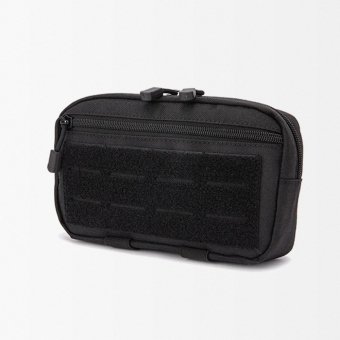
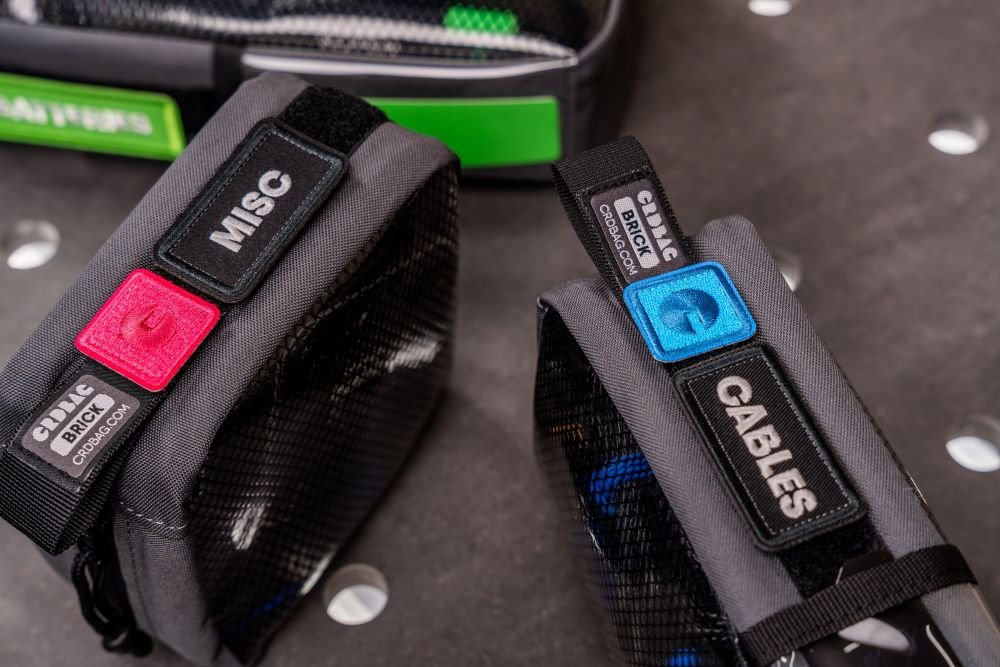

An admin pouch is a compact but highly useful part of a tactical setup, especially when you need quick access to smaller essentials without digging through a backpack or larger utility pouch. Setting up a MOLLE admin pouch properly means more than simply attaching it to your military gear, and if you want to understand the broader context, everything you need to know about tactical clothing starts with how modular systems like MOLLE fit into a complete kit. The best setup starts with choosing an accessible position, weaving the MOLLE straps securely through the webbing, and arranging the contents so frequently used items are easy to reach without creating unnecessary bulk. When organized correctly, an admin pouch can keep pens, notebooks, batteries, cables, maps, identification, and other small items secure, separated, and easier to find. A practical setup should feel balanced, stay firmly attached during movement, and support the rest of your gear rather than getting in the way.
What Is a MOLLE Admin Pouch?
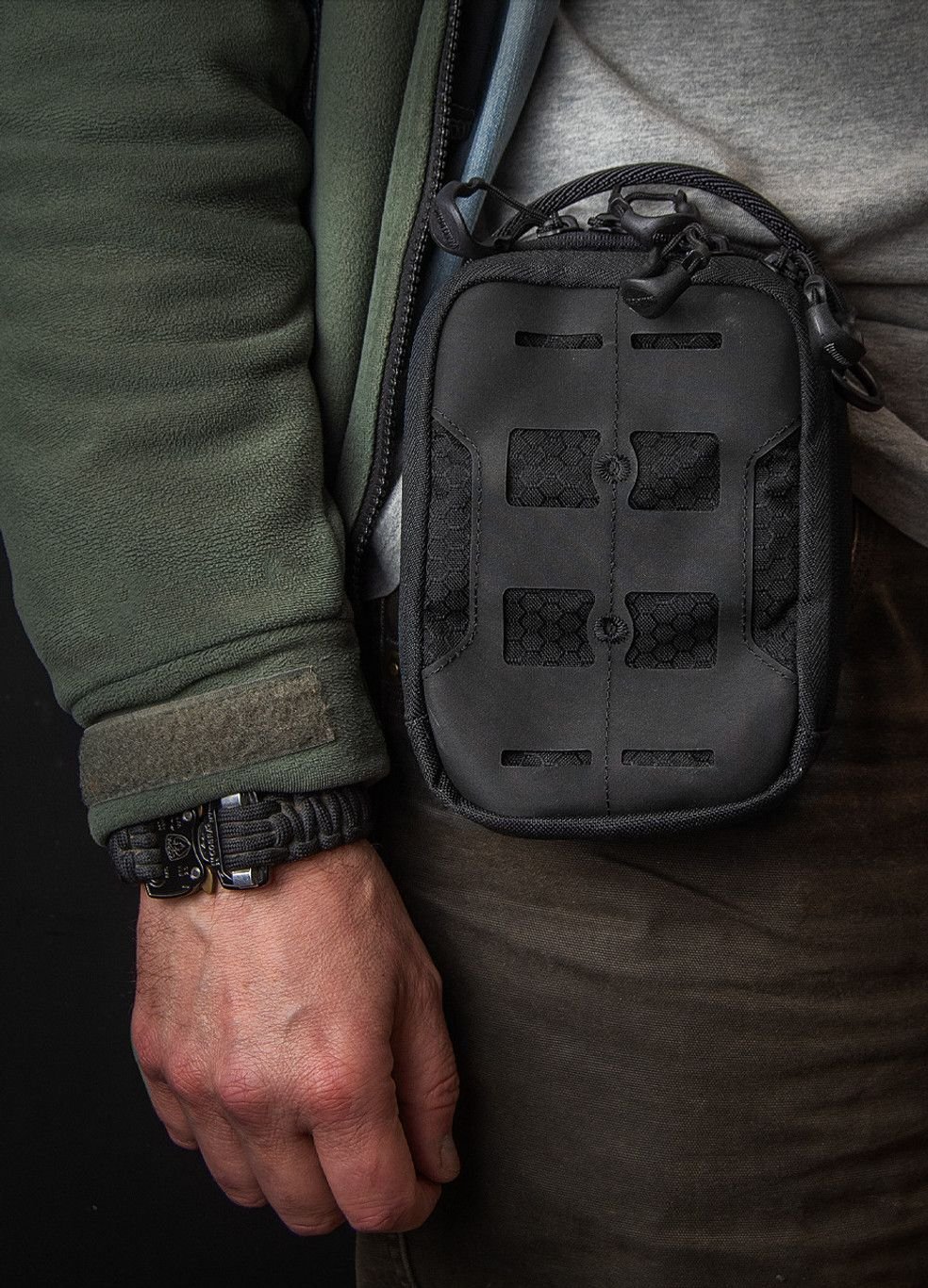
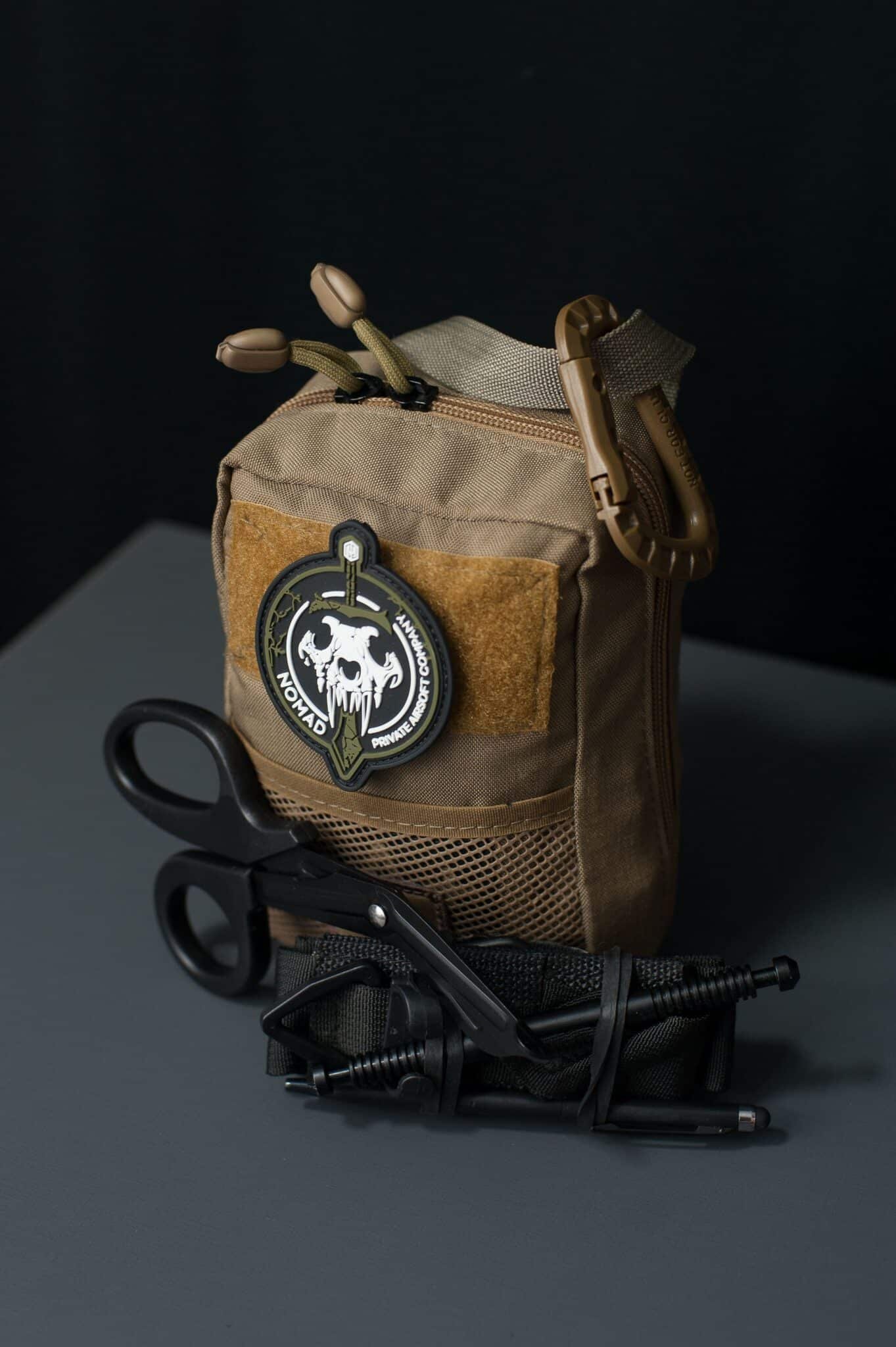
A MOLLE admin pouch is a compact organizational pouch designed to attach to gear equipped with MOLLE or PALS webbing. Unlike larger utility pouches that are intended for general storage, admin pouches are typically used to keep smaller items separated, organized, and easy to access. Most designs include features such as zippered compartments, internal sleeves, elastic loops, or hook-and-loop panels. The MOLLE attachment system also allows the pouch to be positioned on compatible tactical vests, plate carriers, belts, backpacks, and other modular gear.
A Tactical vertical admin pouch, for example, offers a compact vertical layout that helps organize smaller essentials while making efficient use of available MOLLE space. Its format can be especially useful when you want accessible storage without adding unnecessary width to the rest of your setup.
The main advantage is organization. Instead of putting several small essentials into one large compartment, an admin pouch gives them a dedicated storage area that can be reached without opening your main backpack or utility pouch — and if you’re unsure how to choose the right size and type of tactical backpack to pair with it, that decision shapes how you distribute gear across your whole setup.
What Are Admin Pouches For?
Admin pouches are primarily used to organize small items that need to remain easy to access, which is also why gel blaster players prefer tactical gear for outdoor matches — modular pouches let them keep essentials within reach throughout a game. Rather than mixing everything into a backpack or larger utility pouch, they provide a dedicated space for equipment that might otherwise be difficult to locate quickly.
Common uses include storing:
- Pens and Markers: Useful for keeping writing tools together instead of allowing them to disappear into larger compartments.
- Small Notebooks: Compact notebooks fit naturally inside many admin pouches and remain readily accessible.
- Maps and Documents: Flat pockets can help keep folded papers, maps, or other documents separated from bulkier items.
- Batteries and Cables: Small electronic accessories can be grouped together so they do not become tangled or scattered throughout a bag.
- Compact Flashlights: A small flashlight can be kept within reach without taking up space intended for larger equipment.
- Cards and Identification: Smaller sleeves or compartments can provide a convenient location for cards and similar personal items.
- Navigation Accessories: Compact navigation tools can also fit into an admin pouch when they are relevant to the activity.
How to Install MOLLE Admin Pouches?
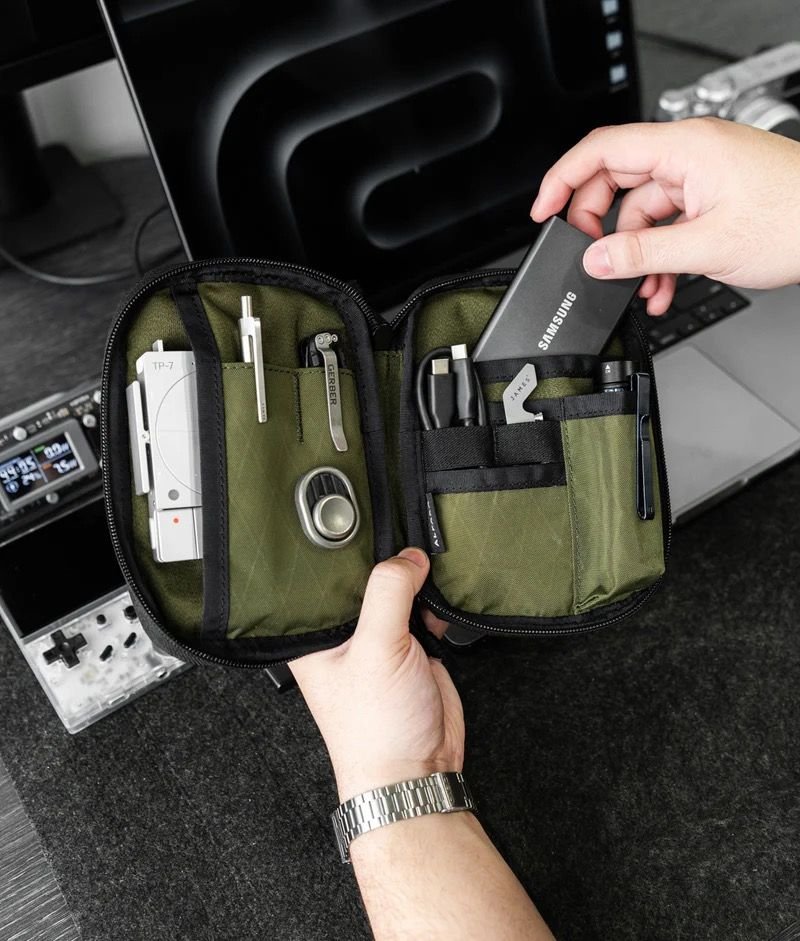
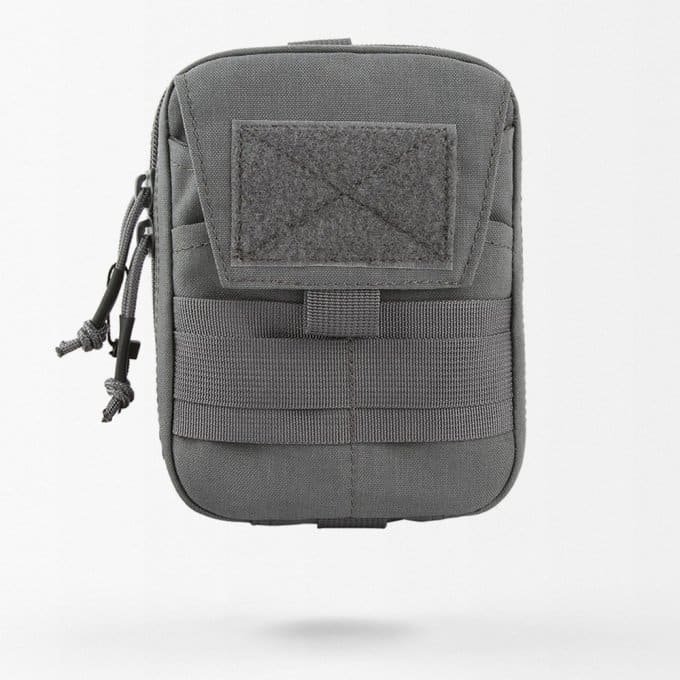
Installing a MOLLE admin pouch is simple once you understand how the attachment system works. The key is to weave the straps correctly so the pouch sits close to your gear and does not shift during movement.
- Choose the Right Mounting Position: Decide where the admin pouch will be easiest to reach without blocking other equipment. Depending on your setup, this may be on a tactical vest, plate carrier, battle belt, or one of the small tactical backpacks you carry on shorter outings. Check that the pouch will not interfere with zippers, buckles, shoulder straps, or nearby pouches.
- Empty the Pouch Before Attaching It: Mounting the pouch while it is empty makes the process much easier. Without extra weight pulling on the pouch, you can align the attachment straps properly and keep the MOLLE weave tight from top to bottom.
- Line Up the Pouch With the MOLLE Webbing: Hold the pouch against the section of MOLLE or PALS webbing where you want it to sit. Make sure the rear attachment straps line up evenly with the horizontal webbing rows so the pouch does not end up tilted or uneven.
- Start Weaving the Attachment Straps: Pass each attachment strap through the first available row of MOLLE webbing on your gear. Bring it back through the corresponding webbing on the rear of the pouch before moving down to the next row.
- Continue the Alternating Weave: Keep weaving the straps between the webbing on your gear and the webbing on the pouch. This alternating pattern is what keeps the pouch tight against the mounting surface. Avoid simply running the straps behind several rows at once, as this can leave the pouch loose.
- Keep the Straps Firm While You Work: Gently pull the straps tight after each row so there is as little slack as possible. A tighter weave helps reduce unnecessary movement and keeps the pouch more stable when walking or carrying other gear.
- Secure the Ends Properly: Once you reach the final MOLLE row, fasten the straps using the pouch’s snaps, tabs, clips, or other attachment system. Make sure the ends are completely secured and not hanging loose.
- Check the Pouch for Movement: Pull gently on the top, sides, and bottom of the pouch. It should remain close to the MOLLE platform rather than swinging or shifting noticeably. If it feels loose, check the weave and tighten the attachment before adding your gear.
- Load the Pouch After Installation: Once the admin pouch is securely mounted, organize the contents inside. Put frequently used items in the easiest-to-reach compartments and avoid overfilling the pouch, as too much weight can affect comfort and stability.
- Test the Complete Setup: Wear or carry the gear for a few minutes after loading the pouch. Walk, sit, bend, and move naturally to make sure the pouch remains accessible and does not interfere with the rest of your equipment.
How Do You Attach an Admin Pouch to MOLLE Webbing?
To attach tactical admin pouch to MOLLE webbing correctly, weave its attachment straps alternately through the PALS webbing on the mounting platform and the webbing on the back of the pouch. Start at the highest attachment point and work downward, keeping the straps relatively tight as you go. Once you reach the final row, secure the ends using the pouch’s fastening system.
Avoid passing the straps directly behind several MOLLE rows without weaving them back through the pouch. Although this may seem faster, it can create extra movement and make the pouch less stable. After installation, test the pouch before adding all your gear. A properly attached MOLLE admin pouch should sit close to the mounting surface and remain relatively stable when you move.
What Are Common MOLLE Admin Pouch Setup Mistakes?
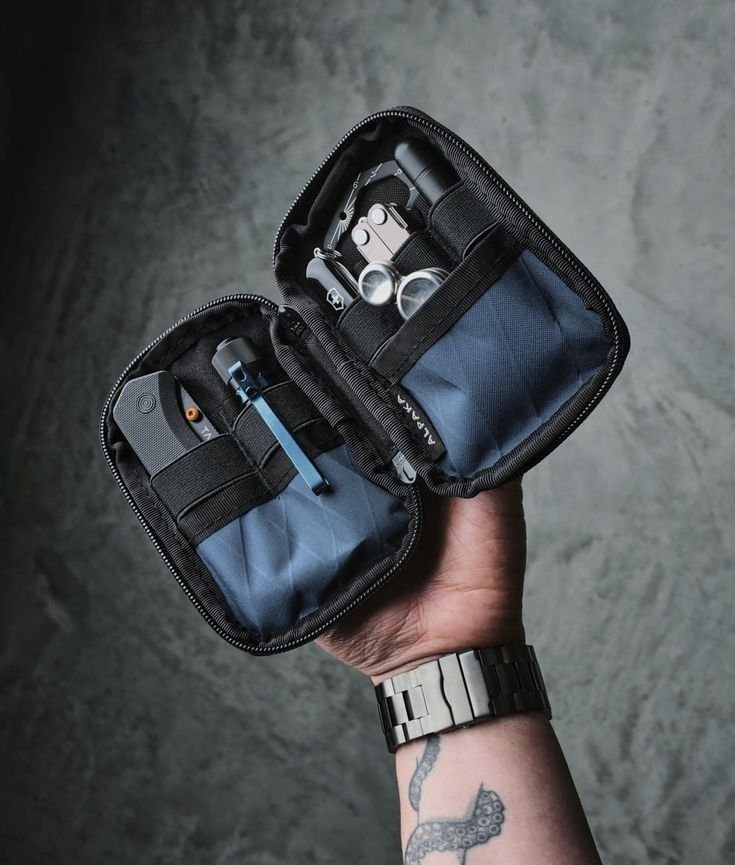
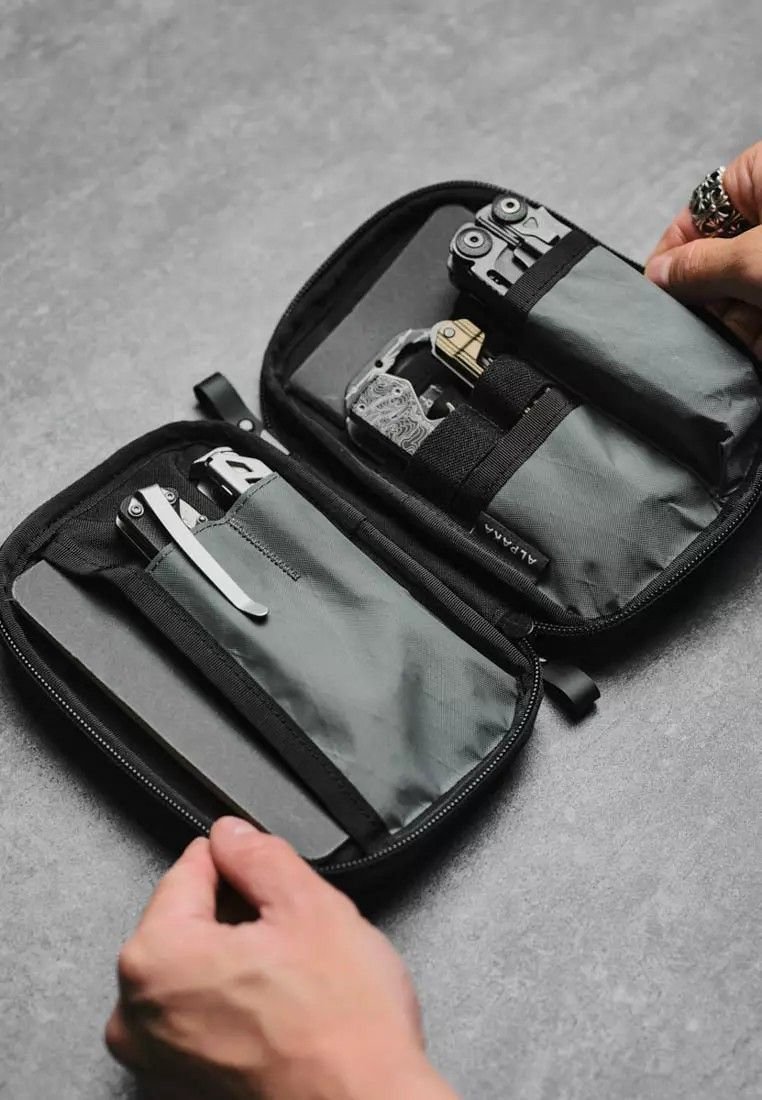
Even a well-designed admin pouch can become inconvenient if it is installed or organized poorly. Avoid these common setup mistakes:
- Overpacking the Pouch: Filling every available compartment can make the pouch bulky and make individual items harder to reach.
- Mounting It Too Loosely: Skipping MOLLE rows or failing to weave the straps properly may cause the pouch to move excessively.
- Choosing an Inconvenient Position: A pouch may be securely attached but still be difficult to use if another piece of gear blocks access to it.
- Blocking Other Equipment: Check that the pouch does not cover buckles, zippers, pockets, or other equipment you need to reach.
- Using the Admin Pouch as General Storage: Admin pouches work best for smaller organized items. Larger or bulky equipment is usually better suited to utility pouches.
- Putting Frequently Used Items at the Bottom: Keep the items you reach for most often near the opening or in easily accessible compartments.
- Adding Unnecessary Weight: Just because an item fits does not mean it needs to be carried. Too much weight can make a compact pouch uncomfortable and unbalanced.
- Ignoring Internal Organization: Elastic loops, mesh pockets, and internal compartments are there to prevent small items from becoming mixed together.
- Skipping a Movement Test: Walk, bend, sit, and move with the completed setup. This can reveal whether the pouch interferes with other gear or feels awkward in its chosen position.
What Should I Put in My Admin Pouch?
An admin pouch should hold small, flat, frequently used essentials that you want to keep organized and easy to reach. Good items include a compact notebook, a tactical pen or marker, folded map, ID cards, a small multitool, spare batteries, and other lightweight accessories that fit neatly inside the pouch. The key is to keep the contents practical and low-profile. An admin pouch is not meant to replace a larger utility pouch or backpack, so avoid filling it with bulky or heavy gear. Each item should have a clear place, and you should be able to reach what you need without emptying the entire pouch.
How Much Gear Should You Carry in an Admin Pouch?
An admin pouch should carry only the gear you actually need to access quickly, without becoming bulky or difficult to manage. The goal is to keep the pouch slim, organized, and comfortable on your vest, chest rig, belt, or backpack. Start with a few lightweight essentials such as a notebook, pen or marker, folded map, ID cards, compact multitool, or spare batteries. Arrange them so each item has a clear place and can be removed without digging through the entire pouch. Avoid filling every available compartment simply because there is space. Overpacking can make the pouch harder to close, increase bulk, and interfere with movement or nearby gear. If the pouch starts to bulge outward, feels noticeably heavy, or forces you to remove several items just to reach one, it is carrying too much.
Wrap Up
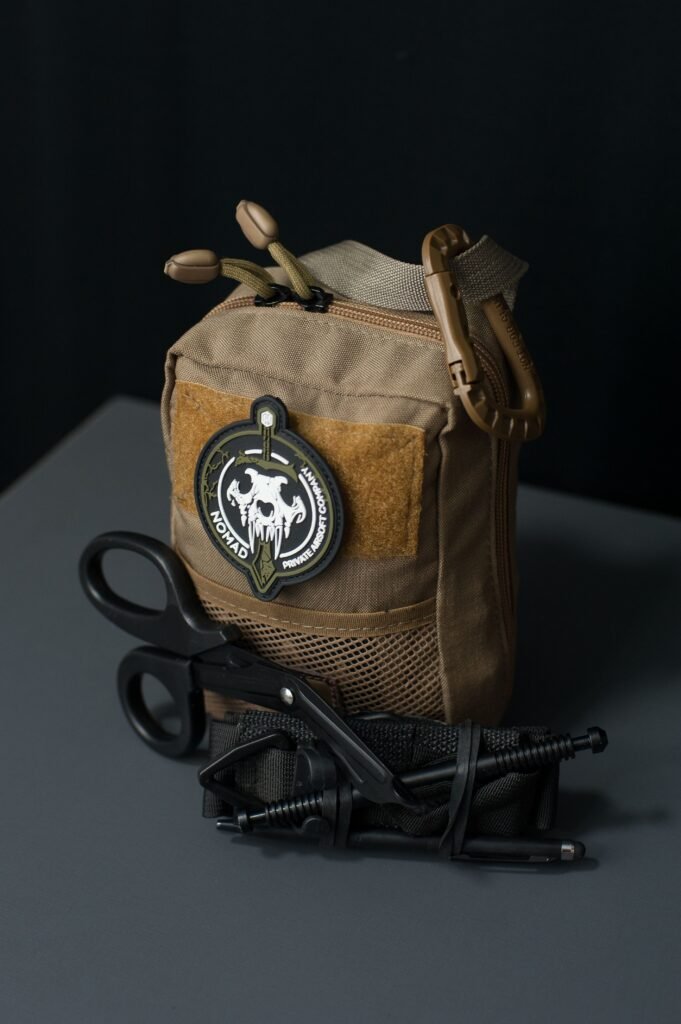
More intels about our Tactical pouches
Explore our Tactical Pouches collection to find practical storage options for organizing and carrying essential gear.
Setting up a MOLLE admin pouch properly is all about keeping your small essentials organized, secure, and easy to reach without adding unnecessary bulk — and understanding what is a tactical backpack can help you decide what belongs in each part of your overall setup. Choose a practical mounting position, weave the MOLLE straps correctly, and carry only the items you genuinely need so the pouch stays low-profile and comfortable to use — and if you’re planning a longer outing, it also helps to know what to pack in a tactical backpack for a 24-hour trip so each piece of gear ends up in the right place. A well-planned setup can make the rest of your gear easier to manage and help prevent small items from getting lost inside larger compartments. Explore Kula Tactical’s collection of admin pouches, along with tactical backpacks, combat belts, tactical vests, and other tactical gear — and if gloves are part of your kit, a closer look at waterproof vs insulated tactical gloves can help you choose the right pair for your conditions. For bulk purchases, wholesale tactical gear options are also available.
- Sale!
 Admin pouches
Tactical laser cut molle admin pouch
Original price was: $32.90.$27.90Current price is: $27.90.Select options This product has multiple variants. The options may be chosen on the product page - Sale!Admin pouches
Tactical molle admin pouch
Original price was: $15.90.$12.90Current price is: $12.90.Select options This product has multiple variants. The options may be chosen on the product pageBlackGreenKhaki - Sale!Admin pouches
Tactical molle belt pouch
Price range: $25.90 through $29.90Select options This product has multiple variants. The options may be chosen on the product page